 OPEN FULL-SIZE STEAM SCREENSHOT
Prepare the bike
- Resolve the faults shown by the current bike details.
- Wash the bike if the game offers the action and you have included its cost.
- Make optional paint or decal choices only after checking their displayed prices.
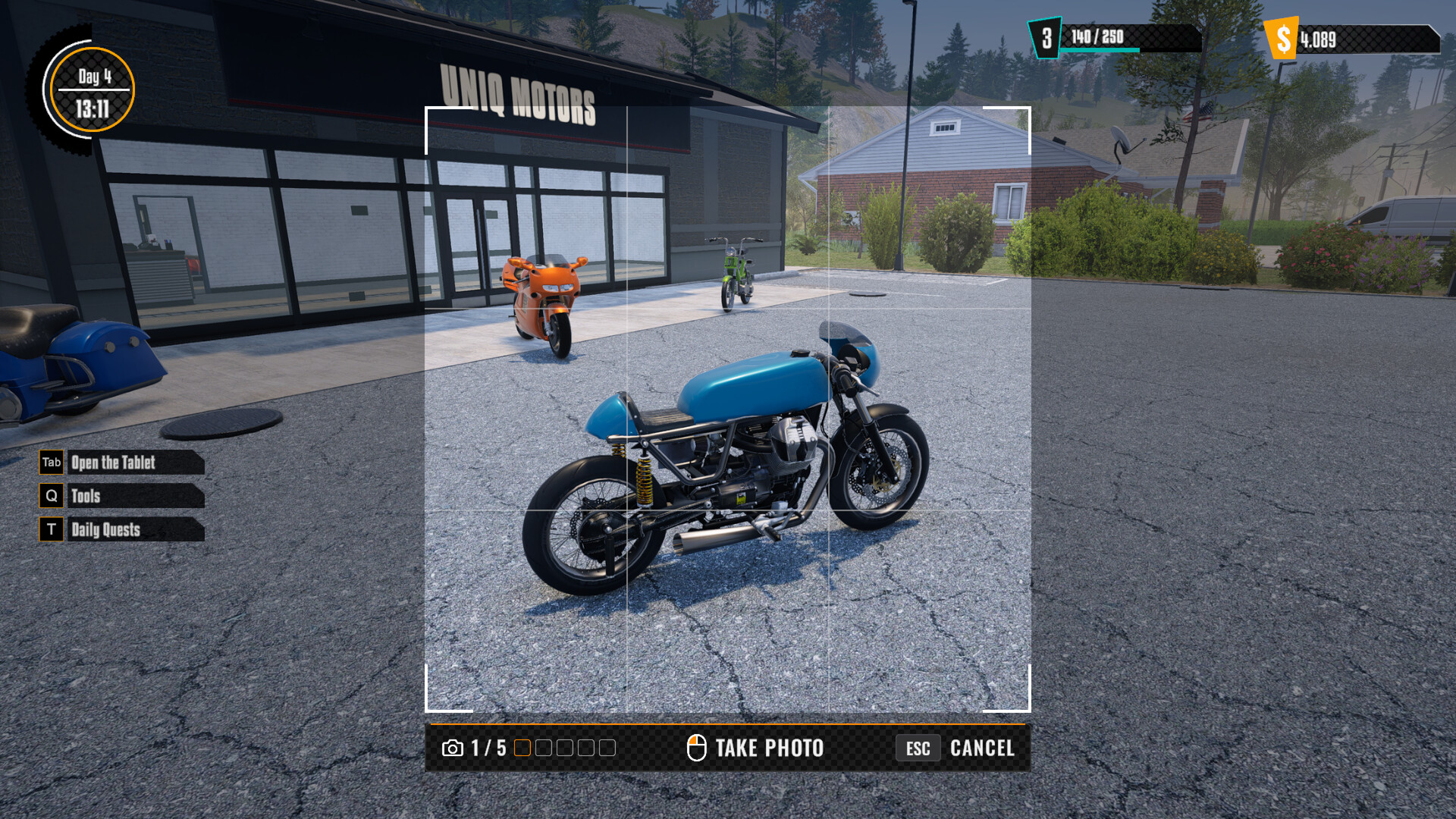
- Take the listing photo and confirm the bike is the one you intend to sell.
Set an asking price you can evaluate
Do not treat the listing price as profit. Profit depends on what the buyer actually pays minus purchase, repair, customization, and delivery costs. The current game may negotiate or apply buyer checks; record the final payout rather than assuming the posted price is guaranteed.
Use the profit worksheetDeliver without losing track of the sale
The official launch note says the buyer checks the motorcycle before paying. Follow the in-game marker, keep enough fuel for the trip, and review the result screen. Exact penalties for damage, late arrival, or condition changes need current-build testing.
Create a repeatable transaction log
For every sale, note bike name, agreed buy price, fault list, repair bill, optional spend, listing price, final payment, delivery result, patch/build, and play session date. After several transactions, compare like with like before calling a tactic “best.”
Quick answers
Does a buyer inspect the bike before paying?
The official launch announcement says the buyer checks the bike before paying after delivery.
Is the listing price the same as profit?
No. Compare the final buyer payment with your purchase, repairs, cleaning, optional customization, and delivery costs.
We have not independently tested this in the released build. Share the in-game screen, build number, and steps if you find a correction.